
Basic
$47 USDper event
One-time payment, no subscription
- Storage
- 25 GB
- Open after the event
- 3 months
Guests can upload from 14 days before the event date.
25GB shared between photos and videos; capacity varies by file size
Create one gallery for your guests’ photos and videos. Guests scan your QR code or open your link and upload from their phone, with no app to install.
One-time payment, no subscription. Buy now, pick the date later.
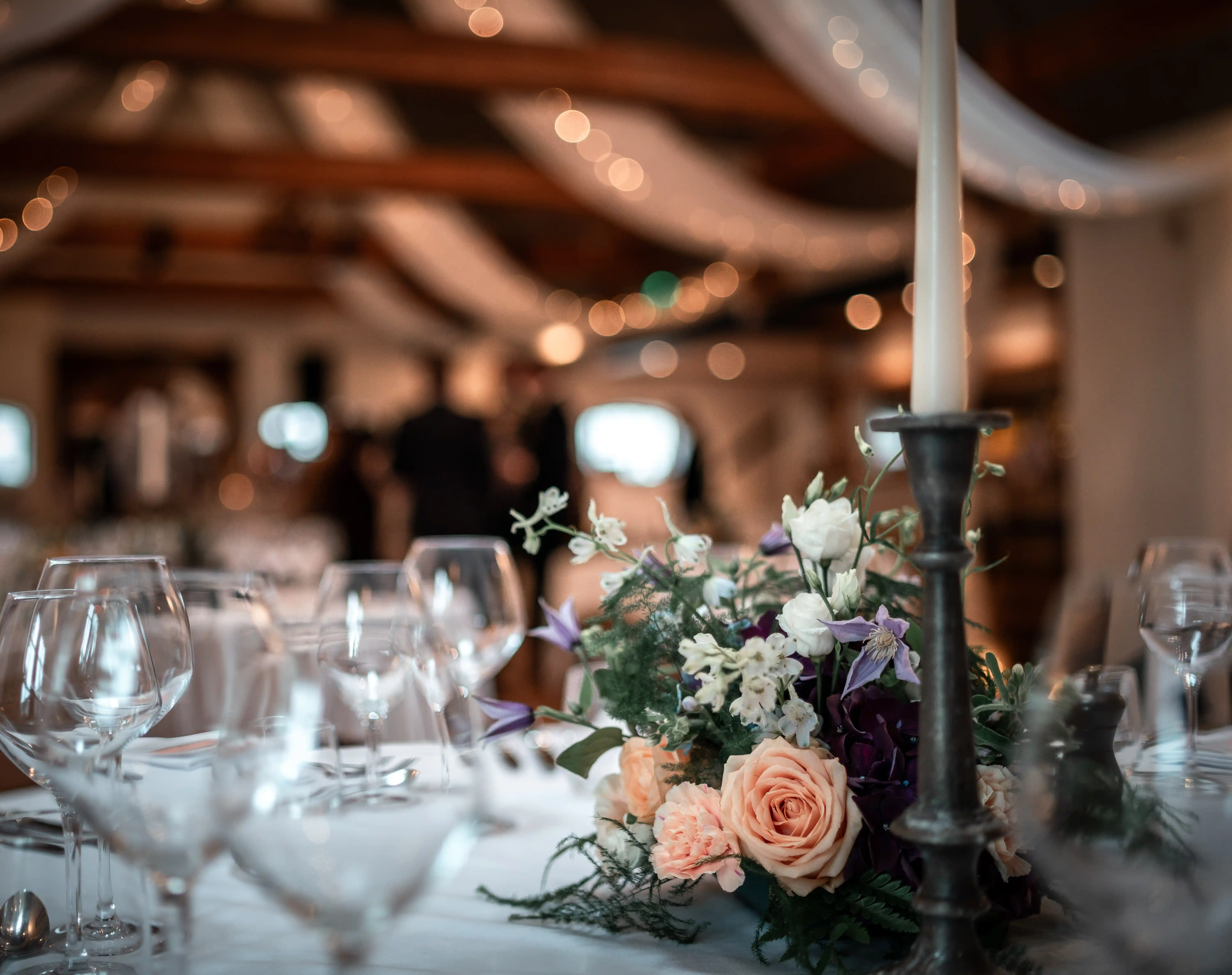
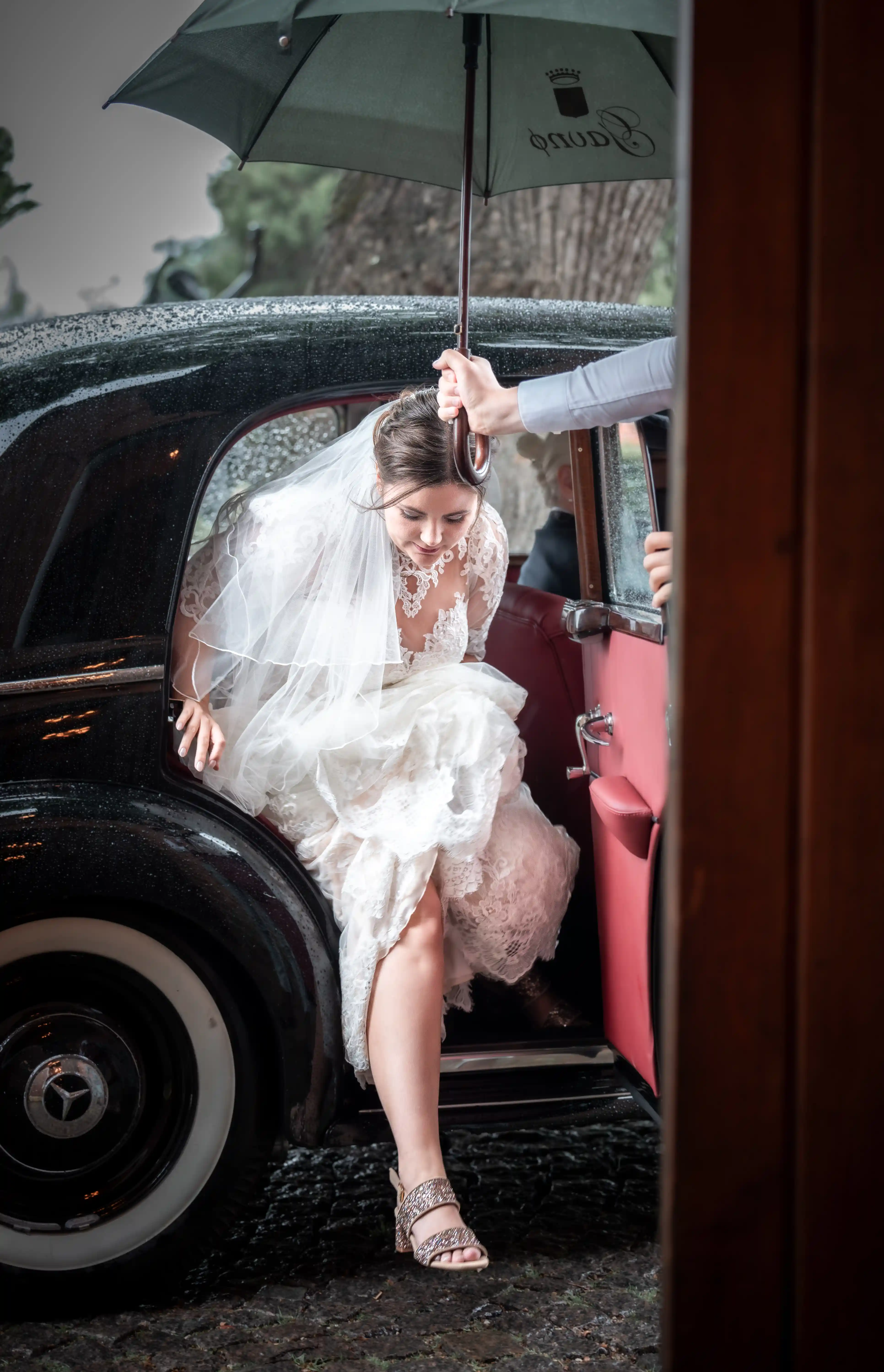
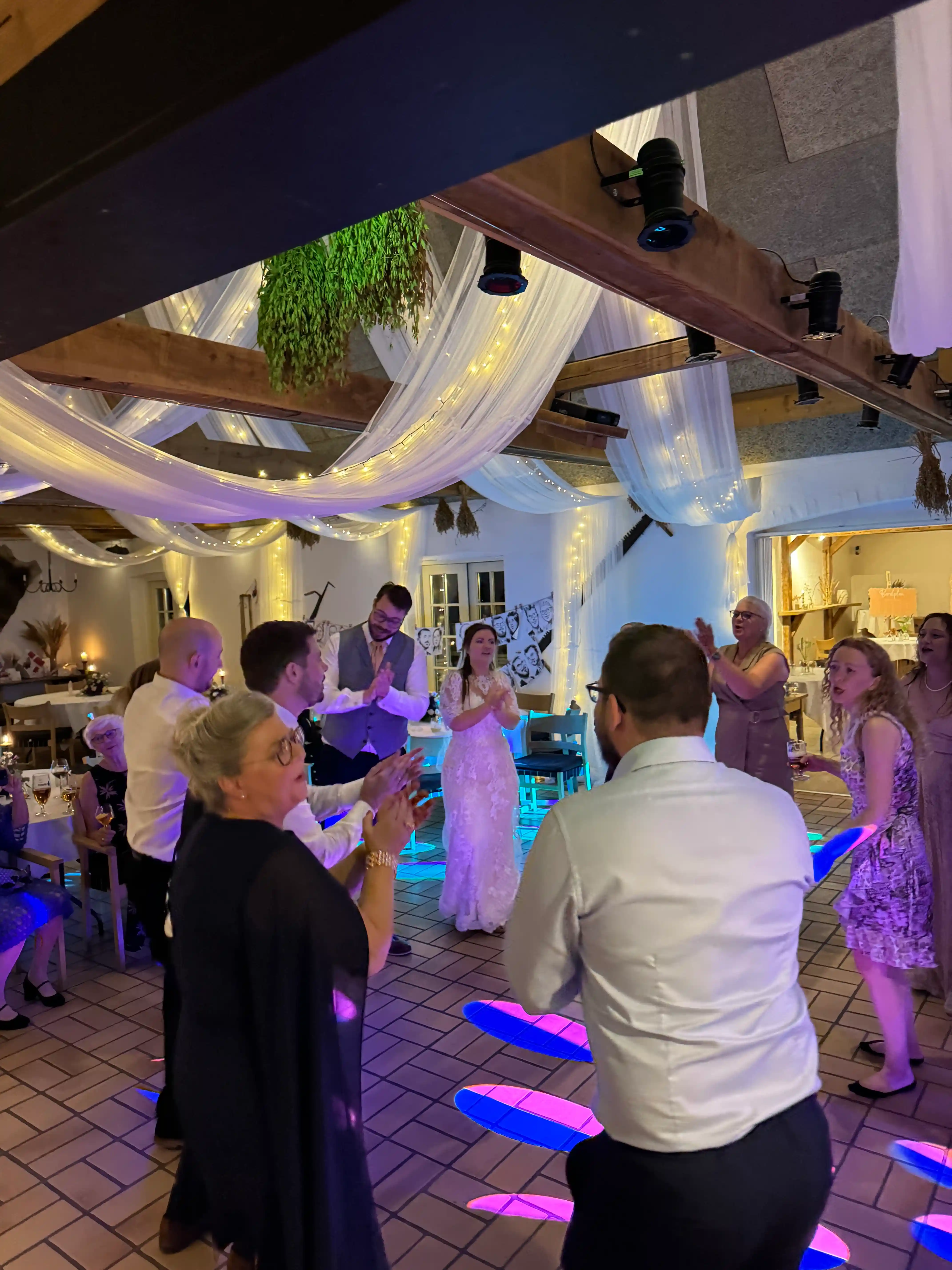
Purchase an event and get your personal QR code and gallery link
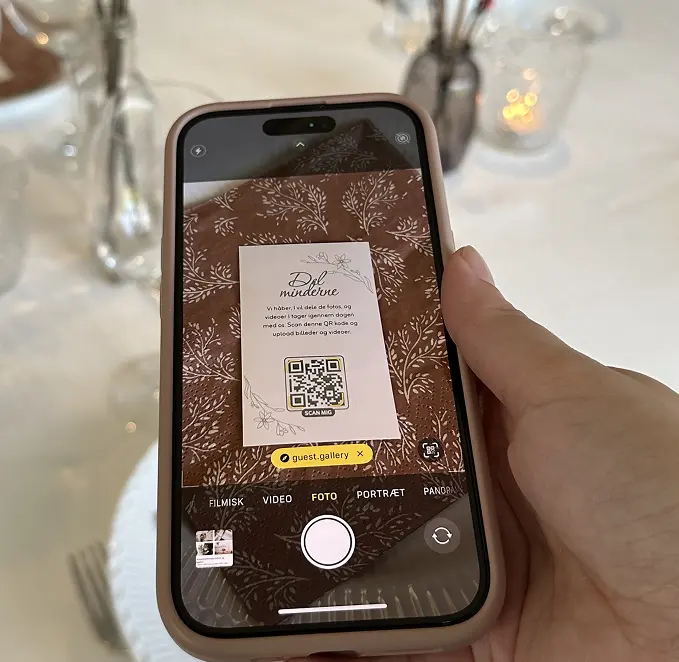
Print and place your QR code and share the link with your guests
Watch your gallery fill up with fantastic photos and videos
No app · No guest account · Photos and videos
That's all your guests need to know. Put the three words on your table cards or say them in the welcome speech.
How it worksOpt-in reminders
Guests can sign up for a follow-up email with a link to the gallery, so they can return to view and share their photos.
Download your original files
We retain your original uploaded photos and videos during your plan period. Gallery previews may be optimized. Download and back up your originals before the archive date to keep your memories.
Retries if the signal drops
Uploads retry automatically and continue when the connection comes back. Guests should keep the page open until every photo shows as saved.
Guests can add more later
Uploads can open up to 14 days before your event. Basic keeps the gallery open for up to 3 months after the event date and Premium for up to 12 months. Download your files before the archive date.
$47 USDper event
One-time payment, no subscription
Guests can upload from 14 days before the event date.
25GB shared between photos and videos; capacity varies by file size
$70 USDper event
One-time payment, no subscription
$9 USD less than upgrading later
Guests can upload from 14 days before the event date.
Unlimited* uploads, subject to fair use for private events and a small company's Christmas party of up to 100 guests
$9 USD less than upgrading later
Secure checkout with Stripe
Want to try it first? A free trial event is open for 7 days with up to 50 MB, and bulk downloads aren't included.
*Premium fair use is intended for private events and a small company's Christmas party, with up to 100 guests and an expected allocation of up to 1GB per guest. See our fair use policy.
Comparing wedding photo sharing apps? See how Guest.Gallery compares with Wedbox, GUESTPIX and others.
Turn your QR pocket cards into a fun part of the event. Add photo tasks to encourage guests to join in, and vary the tasks from card to card for even more engagement. Once ready, you’ll get a full print-ready sheet with multiple cards that are easy to print, cut out, and place around the venue.
Choose and print - it's that simple.
Making QR signs for the tables? Read our wedding QR code guide for sign wording, placement and how to test the code before the day.
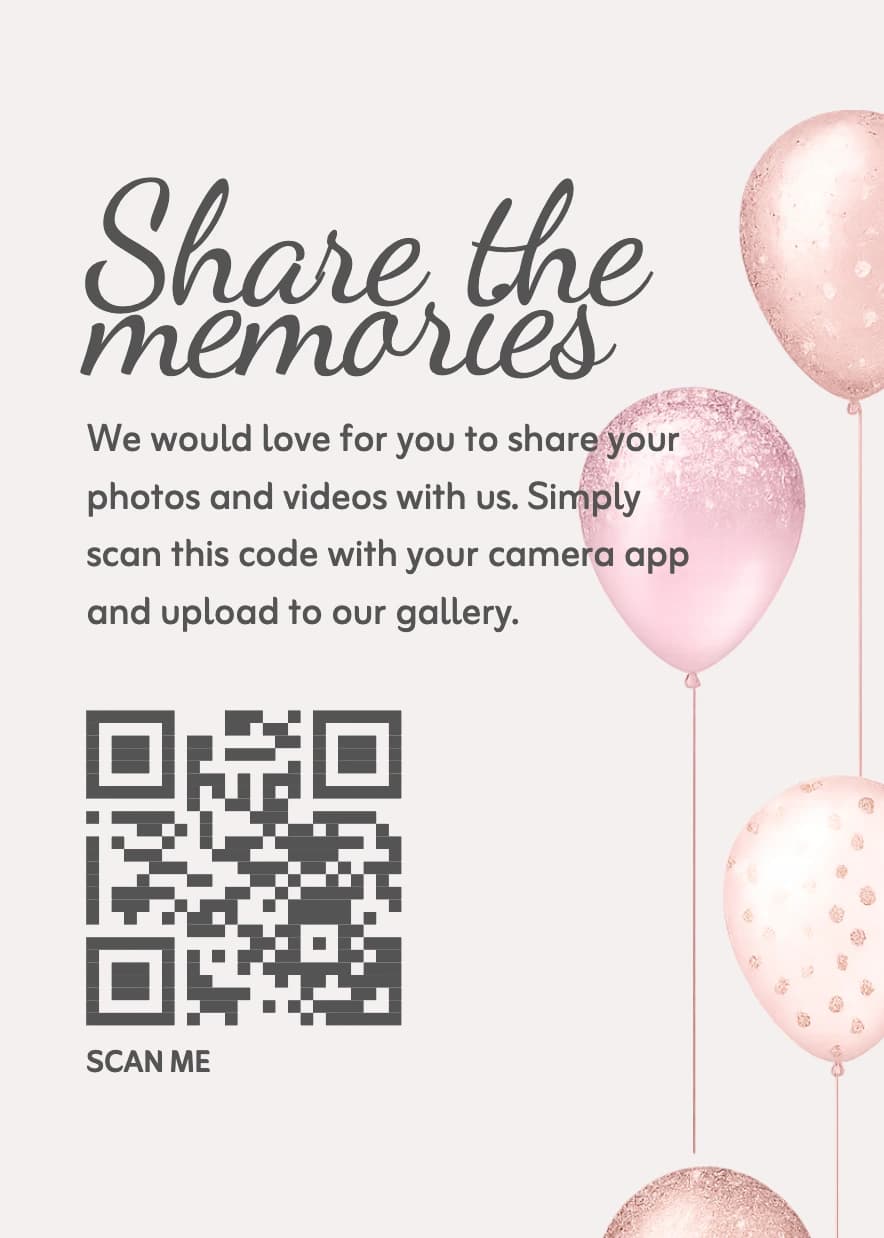
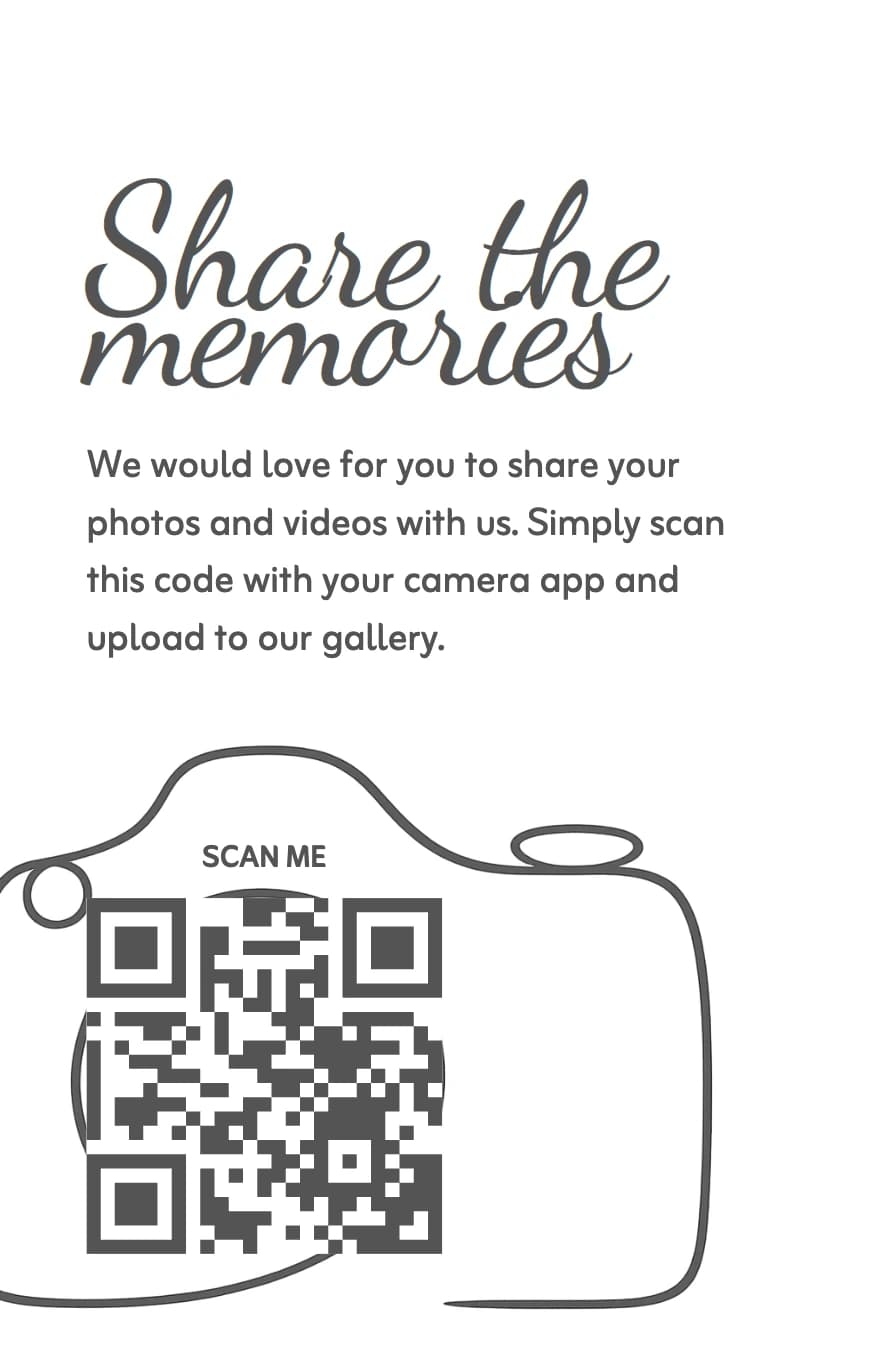
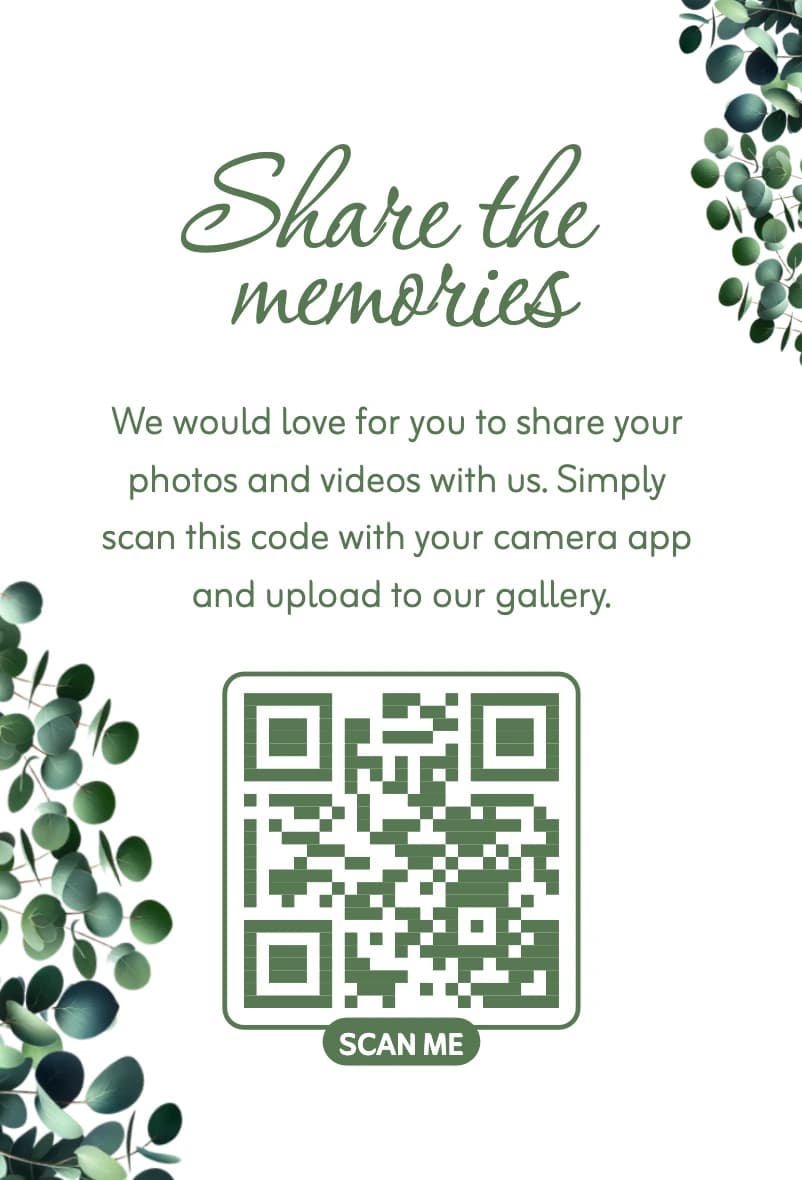
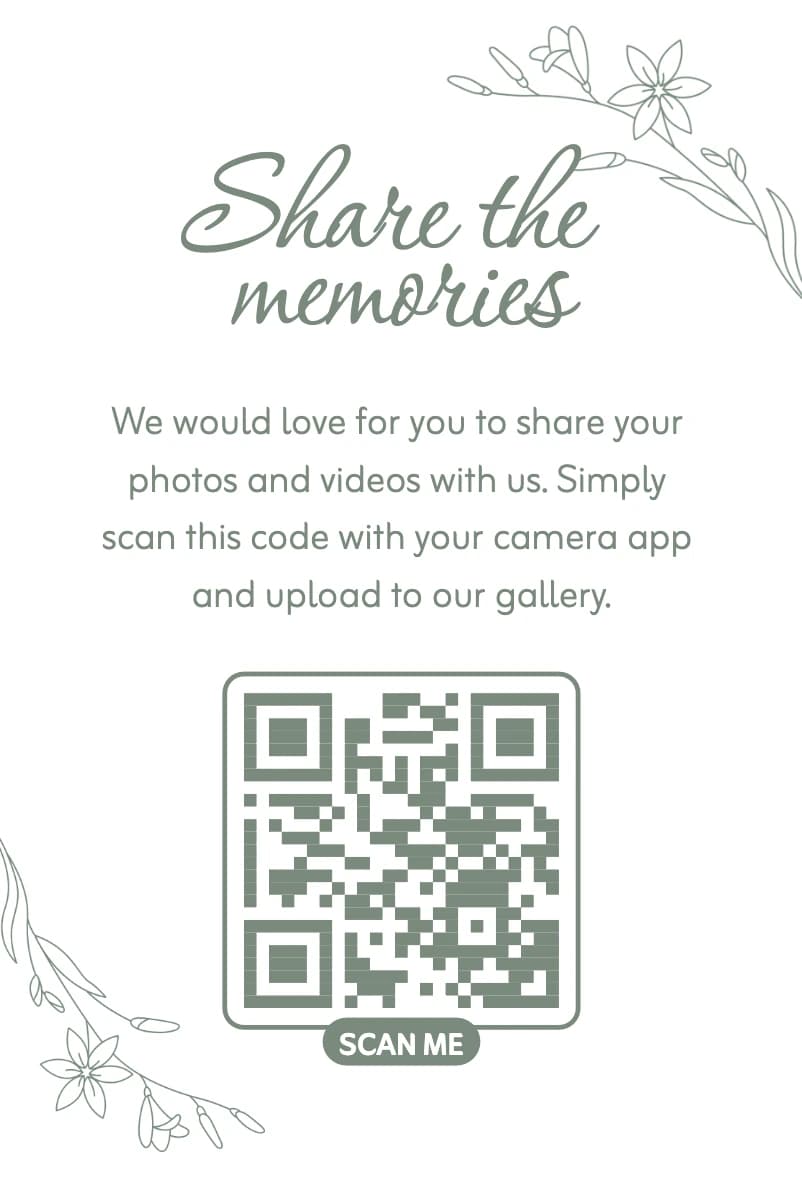
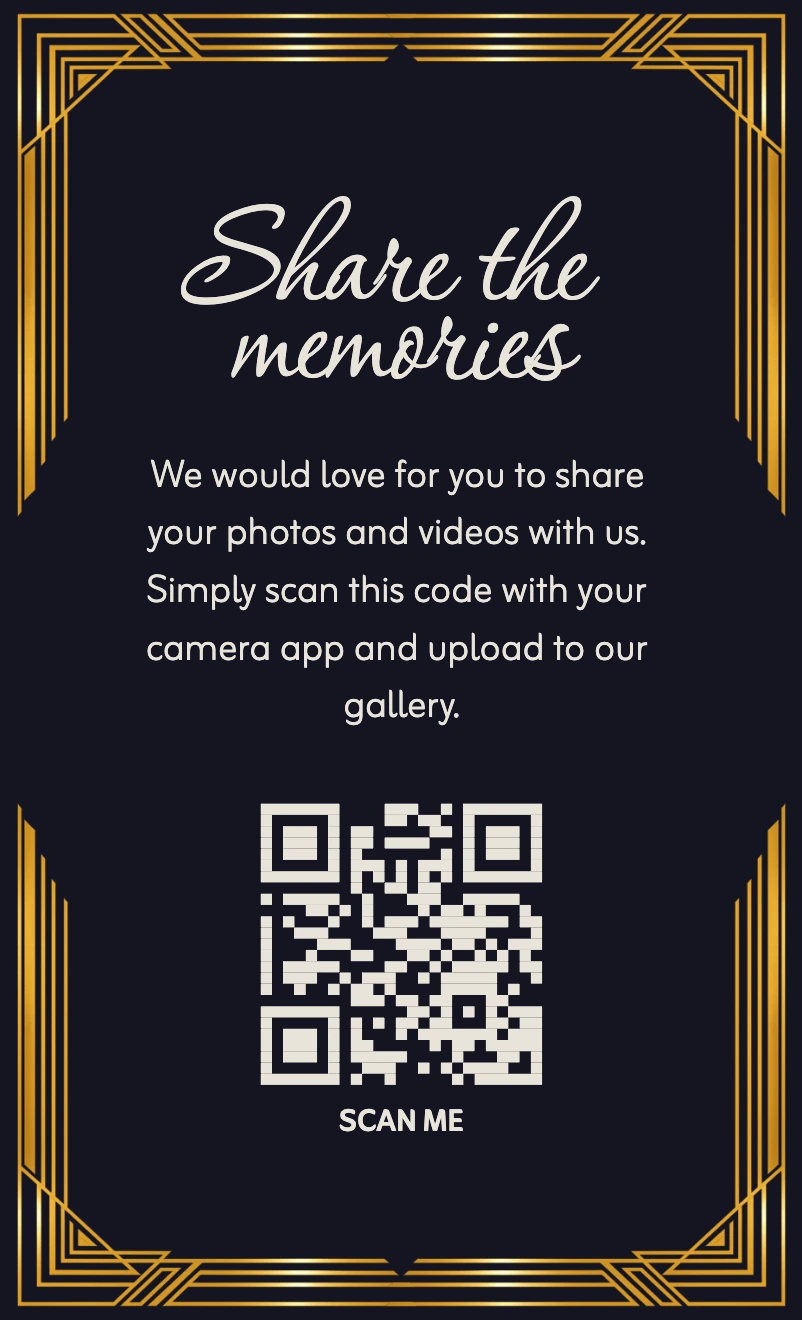
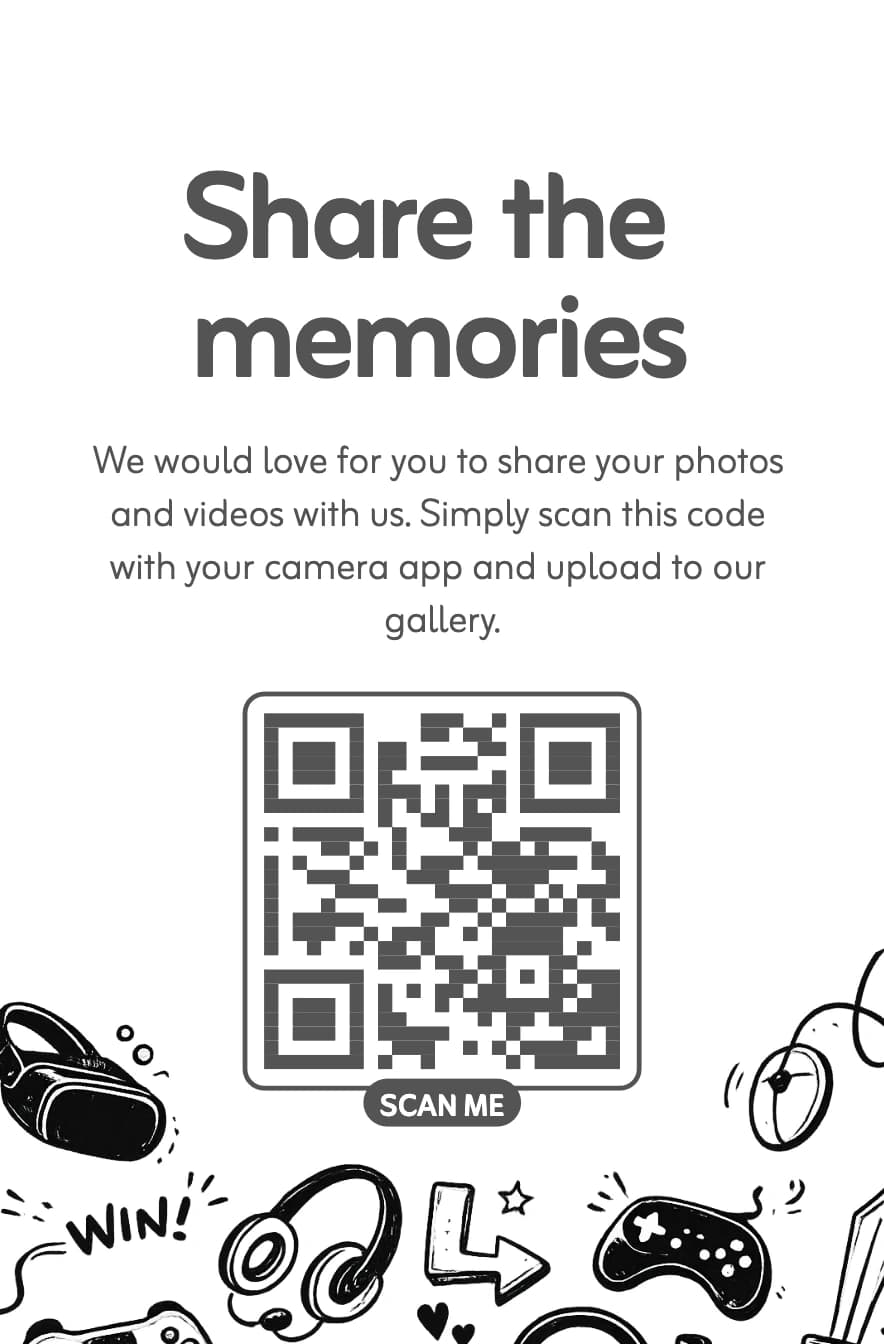
Log in to see even more card designs and variants.
Log in to see even more card designs and variants.
Create a magical experience for your event by displaying a live photo wall on a screen or projector that automatically fetches all newly uploaded pictures. It's entertaining for your guests and encourages them to take even more photos.
See how the photo wall worksI loved this!! It was easy to use for all our guests and the day after the wedding we had a lot of photos we and all our guests could look through. The photos and videos are still being uploaded, and we get to relive our special day through many different perspectives that wouldn’t be possible for the photographer to give us. Really recommend!!
Sara
Norway · June 2026
Recommended on Facebook
Amazing that someone has finally come up with something that doesn't require login or an app! I've been looking for this for half a year, and have tested with Google and Dropbox myself.
Merete
Translated from Danish
Can only recommend this ! I ordered the small cards with the QR code and left it at every plate for our guest. We have so many pictures and videos from our party, that it feels like we can relive it over again. The guests thought it was a great idea and it was easy for almost everyone to use - the rest could be helped. Thank you and would use it again :-)
LNP
Denmark · September 2026
Recommended on Facebook
We used Guest.Gallery and can highly recommend it 🫶 Our guests are thrilled with the opportunity to view and share pictures 🥳 and we received a lot of wonderful photos 🫶 And... the customer service is amazing 🙏❤️
Dorthe
Translated from Danish
Great experience with Guest Gallery! The photo upload was super easy for everyone, and the live gallery wall on the screen added so much fun to the party. It got guests excited to take and share photos — we ended up with tons of great memories!
Thambo Rasmus
Denmark · July 2025
Recommended on Facebook
We have used Guest.Gallery and it has been really great! Excellent service and easy to use 👌🏻
Louise
Translated from Danish
A selection of reviews from Trustpilot and Facebook. We invite hosts to review us after their event. Read all 56 reviews on Trustpilot
Basic includes 25GB of storage and gallery access for up to 3 months after your chosen event date. Premium includes up to 12 months, with unlimited uploads subject to fair use for private events and a small company's Christmas party: up to 100 guests and an expected allocation of up to 1GB per guest. Uploads can open up to 14 days before the event. Check your account for the exact dates, and download and back up your files before the archive date. See our terms for post-archive processing and deletion.
As the host, you can view all uploaded photos and videos. Anyone with the gallery link can view the uploaded media, so share the link and QR code only with your guests. Private gallery mode only hides other guests' uploads in the gallery view; the photo wall still shows every photo.
Yes. Guest.Gallery never compresses uploads, so you get each file exactly as the guest's phone shares it.
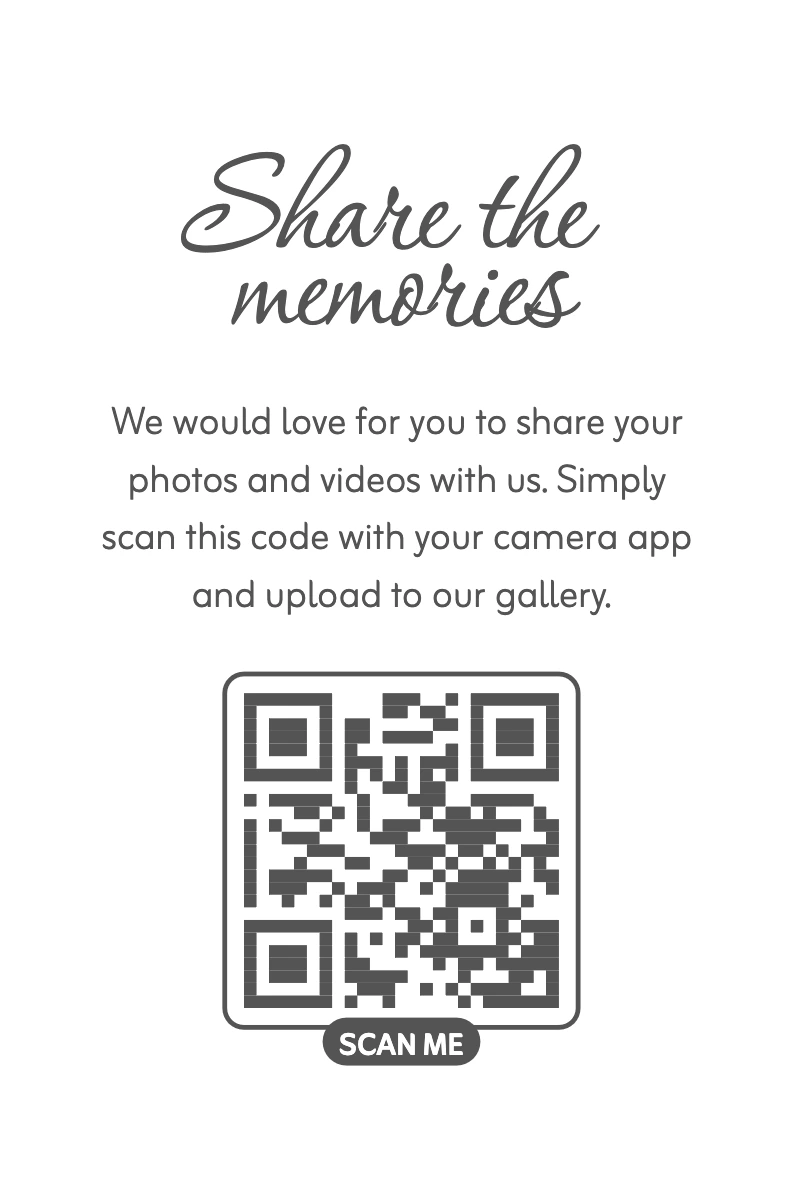
We will create a QR code for you. You also have the option to choose from a few different designs and colors to suit your needs.
In your admin panel, you'll find a button that downloads all photos and videos and saves them to your computer.
Basic includes 25GB shared between photos and videos. The number of files depends on their size and how much space your videos use. Premium offers unlimited uploads subject to fair use for private events and a small company's Christmas party: up to 100 guests and an expected allocation of up to 1GB per guest.
Basic includes 25GB shared between photos and videos. Video capacity depends on file size, resolution and duration, so there is no fixed video count. Premium offers unlimited uploads subject to our fair-use expectations for private events and a small company's Christmas party of up to 100 guests.
Yes. Buy your plan in advance, then choose your event name and date after purchase. The plan period is based on your chosen event date, not the payment date. Basic includes up to 3 months and Premium up to 12 months; your account shows the exact dates.
Your guests upload their photos and videos to a unique URL that you share with them. They do not need to install any app or log in, making it easier for guests to participate and upload their photos and videos.
Your plan period is based on the event date you choose after purchase, not the payment date: up to 3 months for Basic or 12 months for Premium. Uploads can open up to 14 days before the event. Your account shows the exact upload and archive dates.
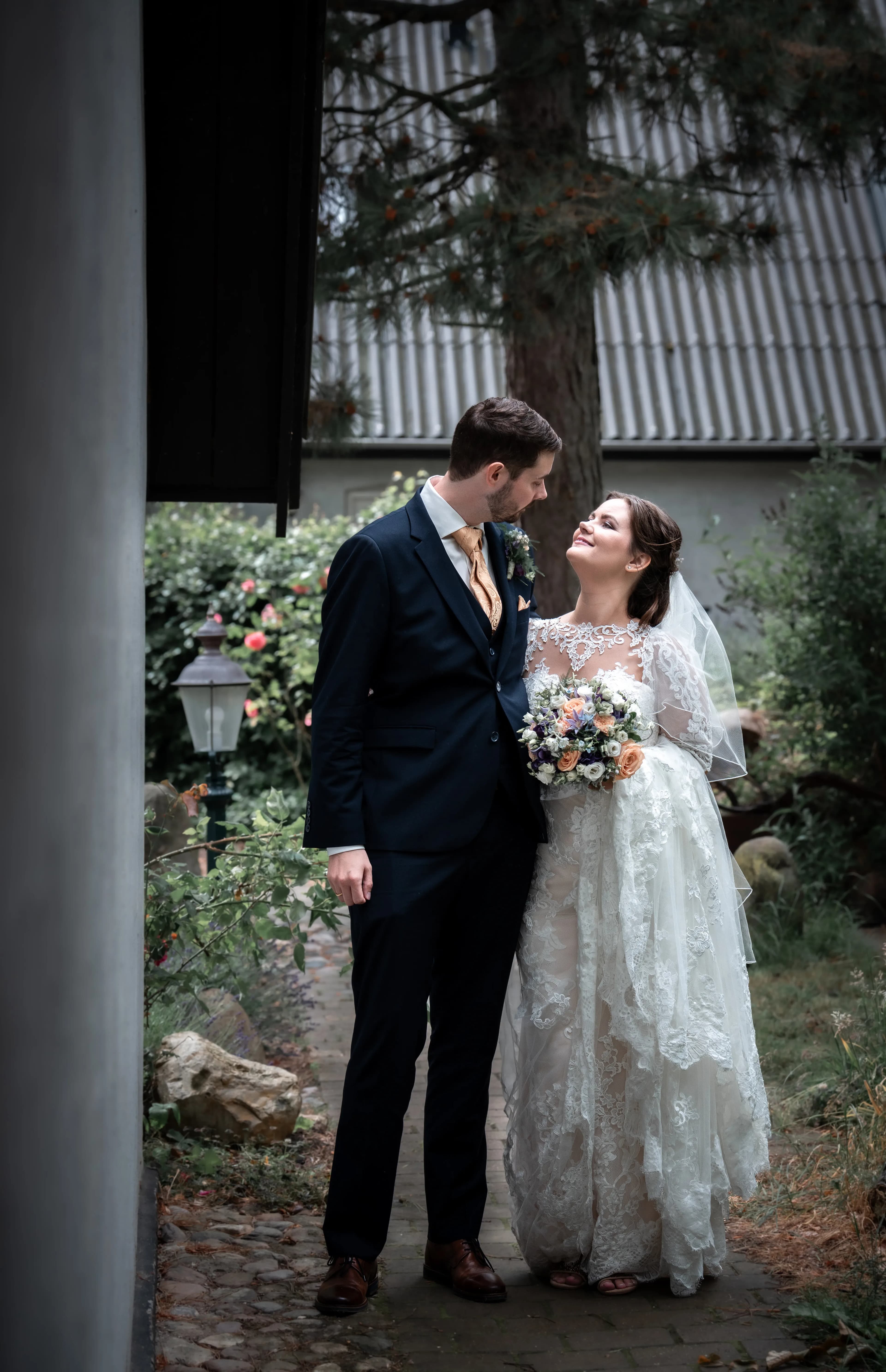
We are a couple who were getting married on June 15, 2024. We felt that none of the existing solutions suited what we wanted to offer our guests. It is important to us that guests have it as easy as possible because it makes them more likely to share their photos with us as hosts. And it is the memories of the day that we need to hold on to for the rest of our lives. :)
Your guests will not share photos unless you tell them it is an option. Print QR codes to the walls or tables. Refer to them. Make the guests aware that they can see all the photos in the morning. Have the toastmaster refer to the QR codes.
No. Guest.Gallery lives at guest.gallery and is operated by Kyca ApS, Danish company number (CVR) 45054098. We have no connection to guestgallery.dk.
No app and no login for guests
Ready to print and share
© 2026 Guest.Gallery, All rights reserved
Included with any plan bought by December 31, 2027. With the included cover and 28 pages, you pay only US shipping, $9.99.
Guests scan the QR code and upload their photos. After the event, you make the book yourself and order it when you’re ready.
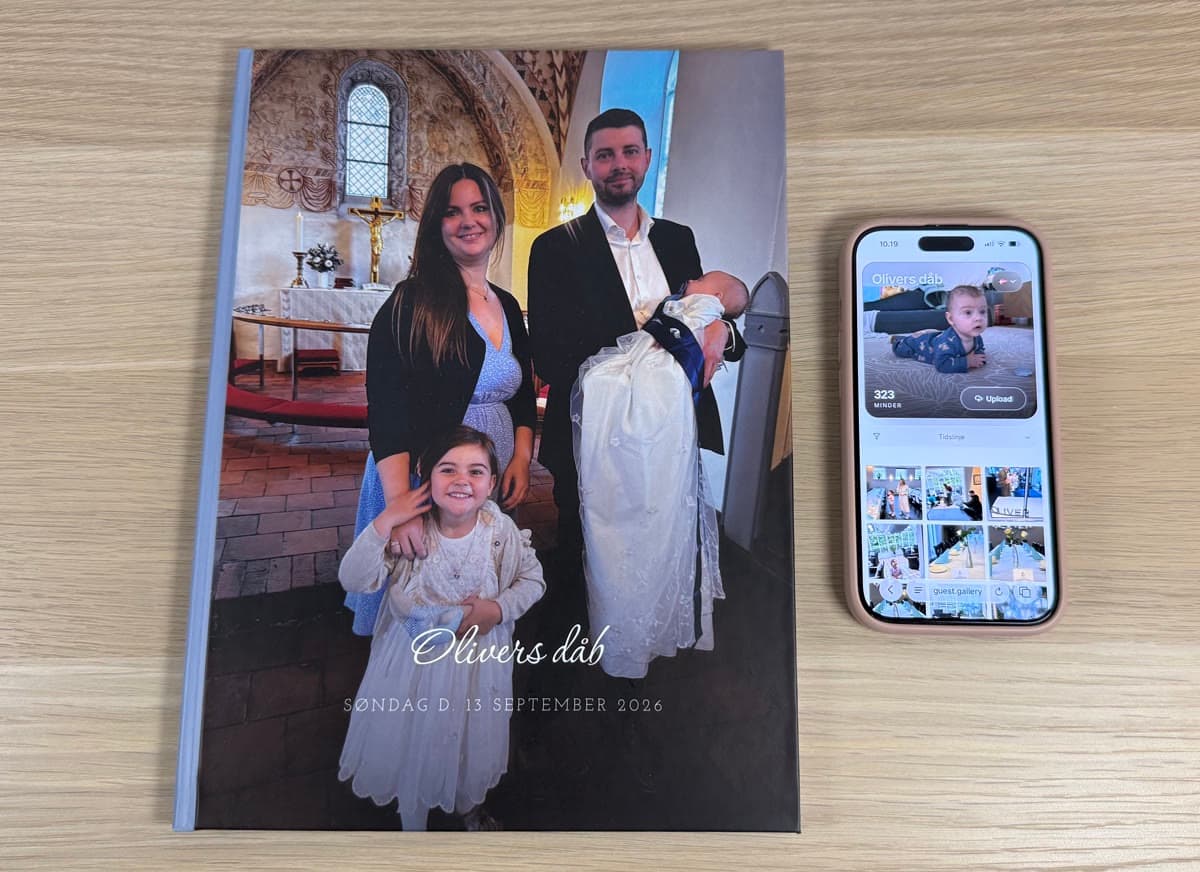
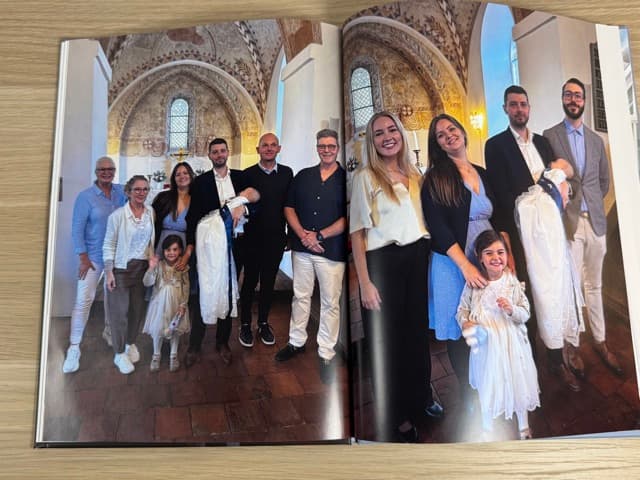
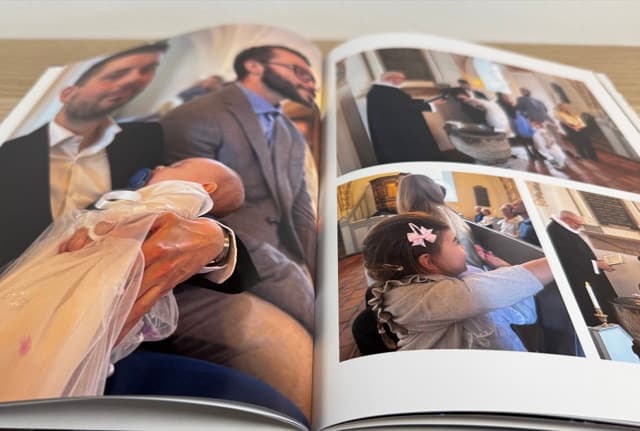
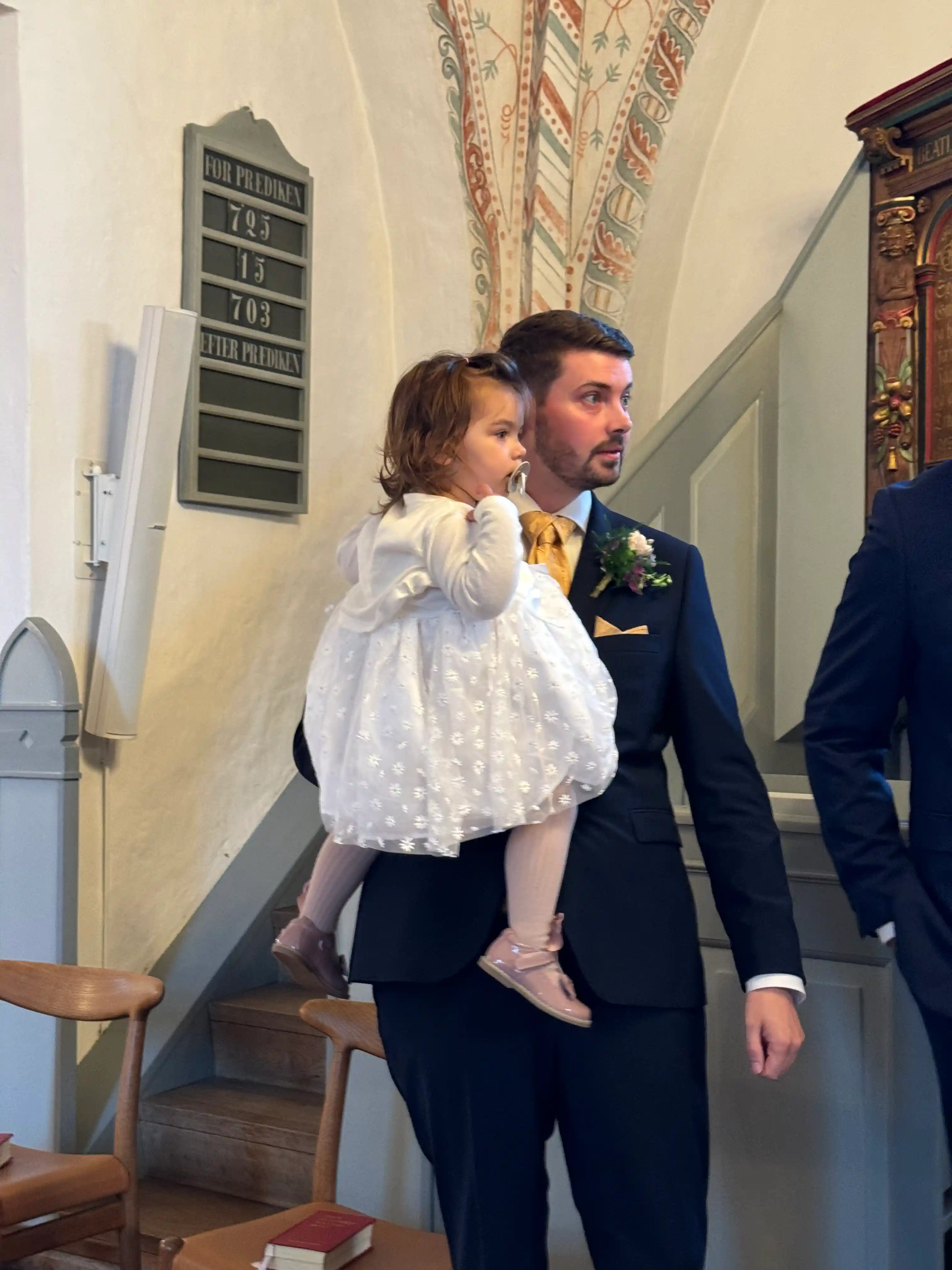
From a baptism in September
More than 28 pages: $1.20 a page. Upgrading the cover or size costs the difference.
Printed to order. Ships to US addresses only.
See plans with the bookYour event can be next year, too.