Basic
$47 USDper event
One-time payment, no subscription
- Uploads
- 25 GB
- Gallery open
- 3 months
25GB shared between photos and videos; capacity varies by file size
Secure checkout with Stripe
Smart for confirmations
Family and friends take hundreds of photos on the big day. With one QR code on the tables, they upload them from their own phone to one gallery for the confirmand – no app, no login.
From $47 USD. No subscription. See prices
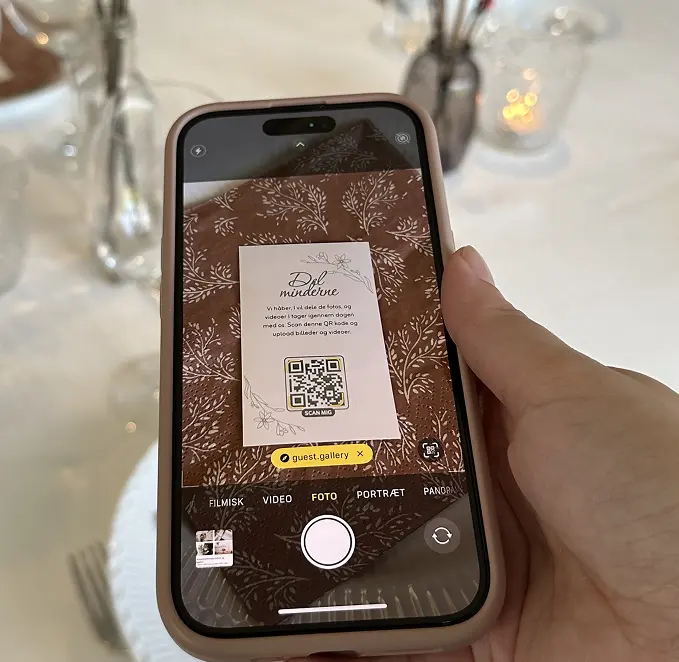
Confirmation marks the transition from child to young adult. It's one of the days you'll remember forever – and a day where you deserve to have all the memories collected. Not just your own photos, but also the moments your guests captured.
Guests see moments you don't. Grandma's expression. Friends laughing. All the hidden gems.
All photos and videos saved in original resolution. Ready for printing, frames and photo books.
No apps, no login. Just a QR code. So simple that every generation can contribute.
We used it for a confirmation. It worked perfectly. We changed some of the print-ready photo tasks, and that was easy.
Emilie K. Lukassen · 5 stars on Trustpilot · May 2026 · translated from Danish
Step 1: Setup
Purchase an event and get your personal QR code and gallery link
Step 2: Share
Print and place your QR code and share the link with your guests
Step 3: Enjoy the photos
Watch your gallery fill up with fantastic photos and videos
Create a shared memory that the confirmand can look back on for many years to come.
Elegant QR code
Download your personal QR code and integrate it beautifully into place cards, invitations or as an elegant poster.
Gentle reminders
Guests can opt in to a friendly reminder, so even photos from late in the evening find their way to the gallery.
Print ready
All photos in original resolution. Perfect for the photo book you dream of making afterwards.
For all generations
No app, no login. Guests scan the QR code and upload. So simple that everyone can contribute.
A shared memory
The gallery becomes a gathering point where the whole family can relive this special day together.
Everything in one click
Download all photos and videos with a single click. Your memories – ready to be relived.
Turn your QR pocket cards into a fun part of the event. Add photo tasks to encourage guests to join in, and vary the tasks from card to card for even more engagement. Once ready, you’ll get a full print-ready sheet with multiple cards that are easy to print, cut out, and place around the venue.
Choose and print – it's that simple.
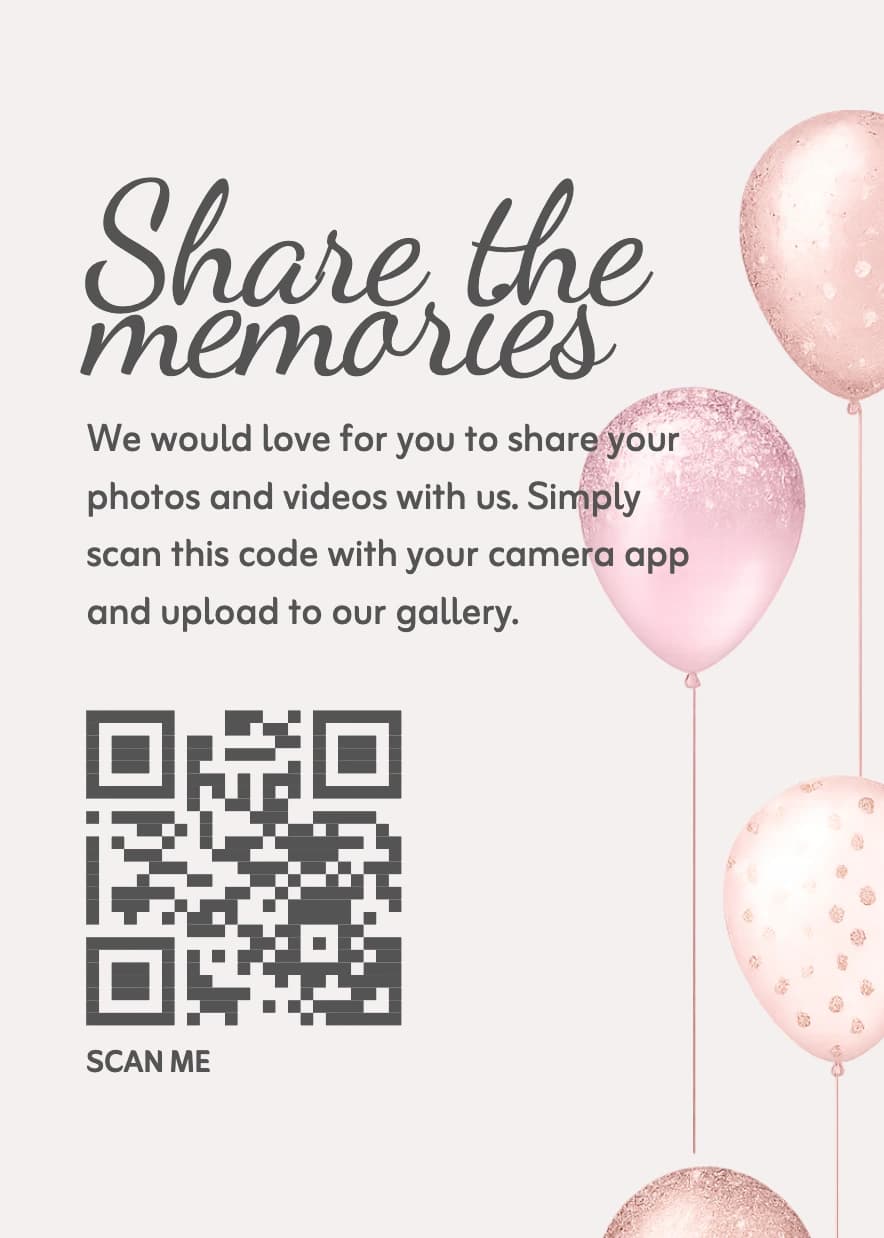
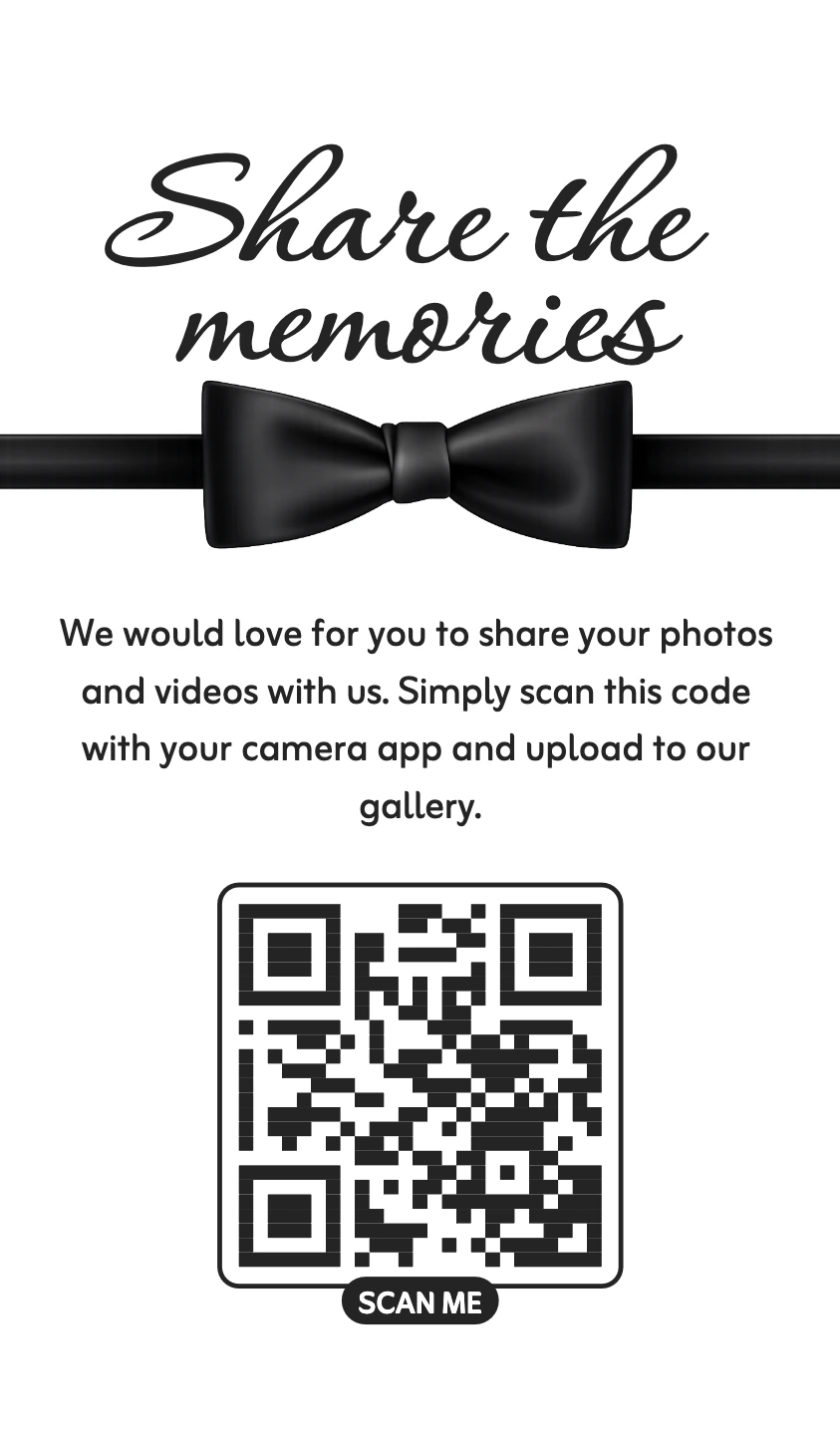
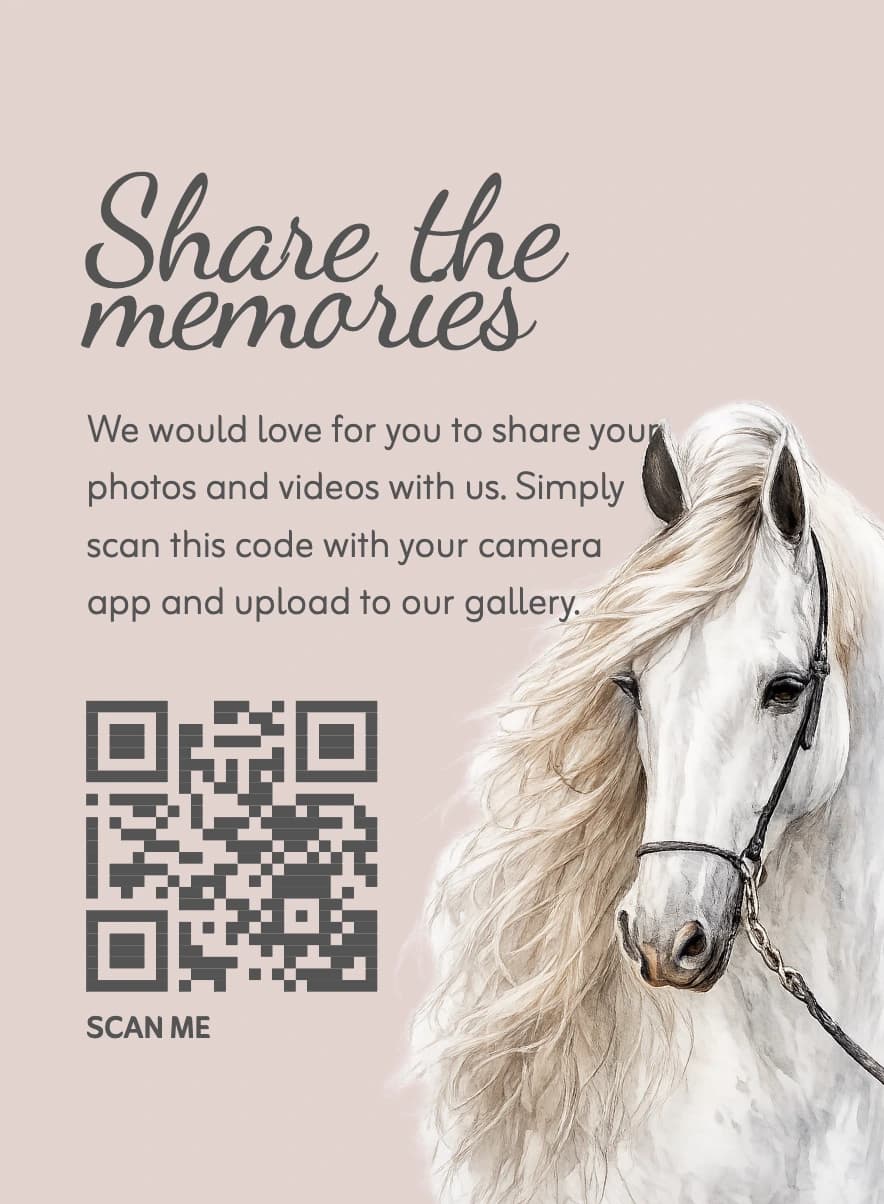
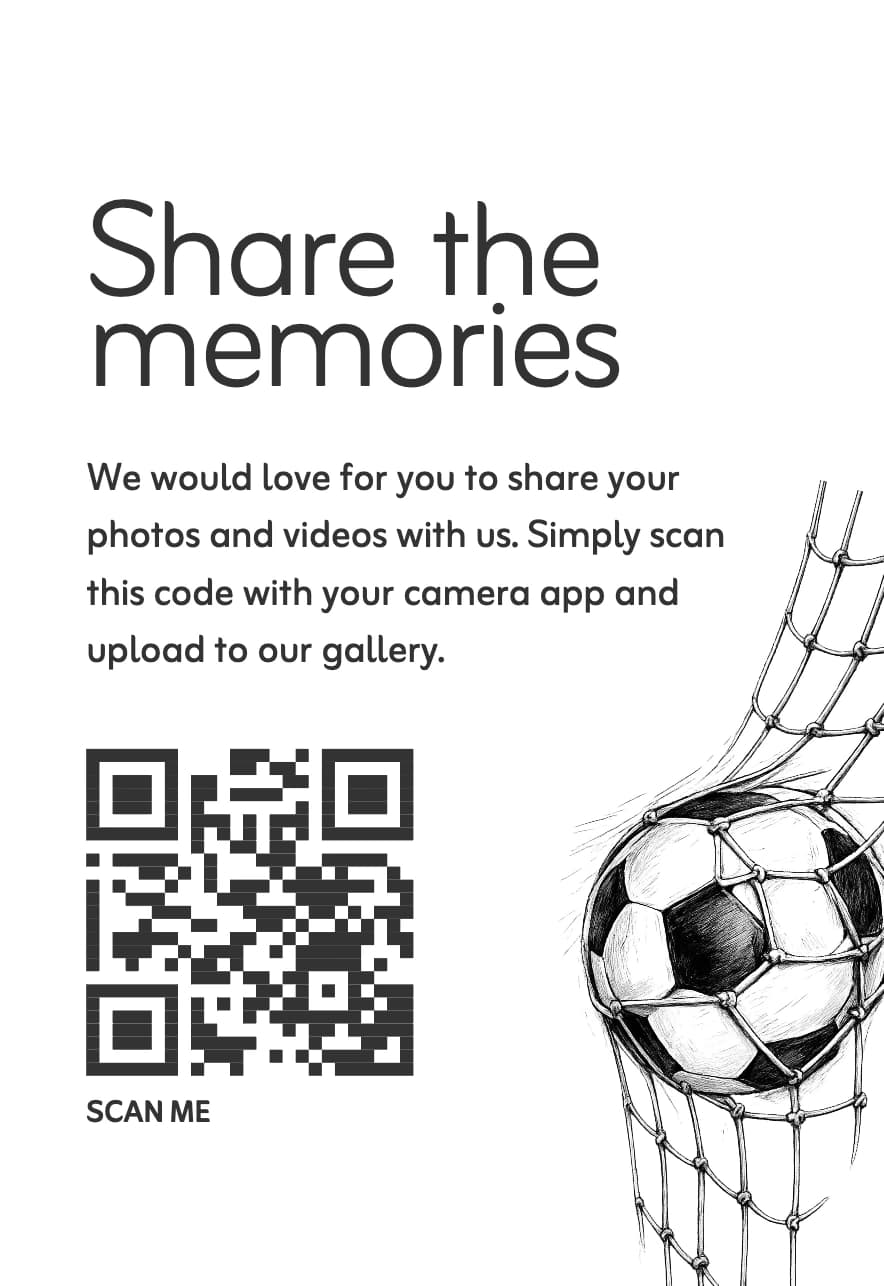
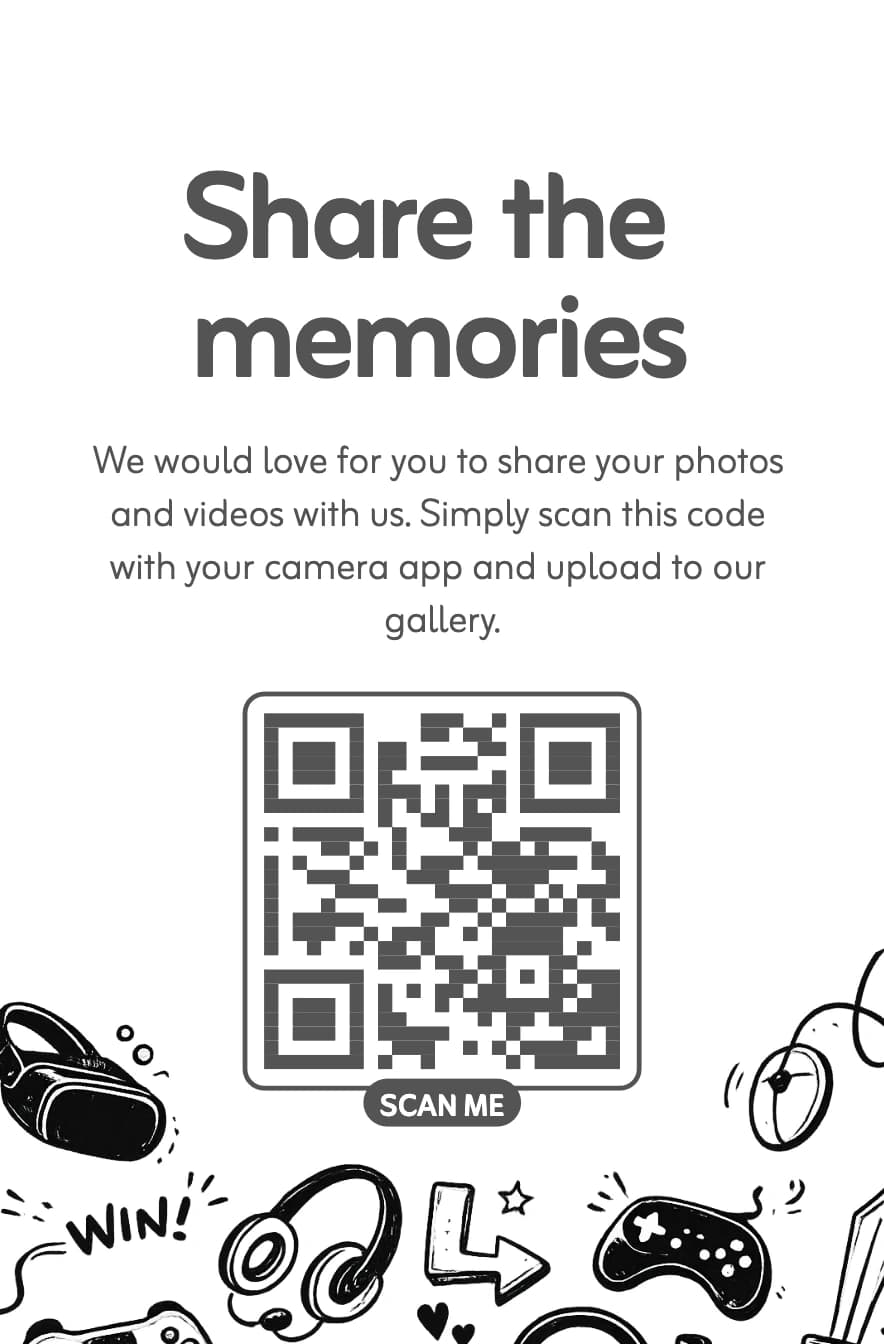
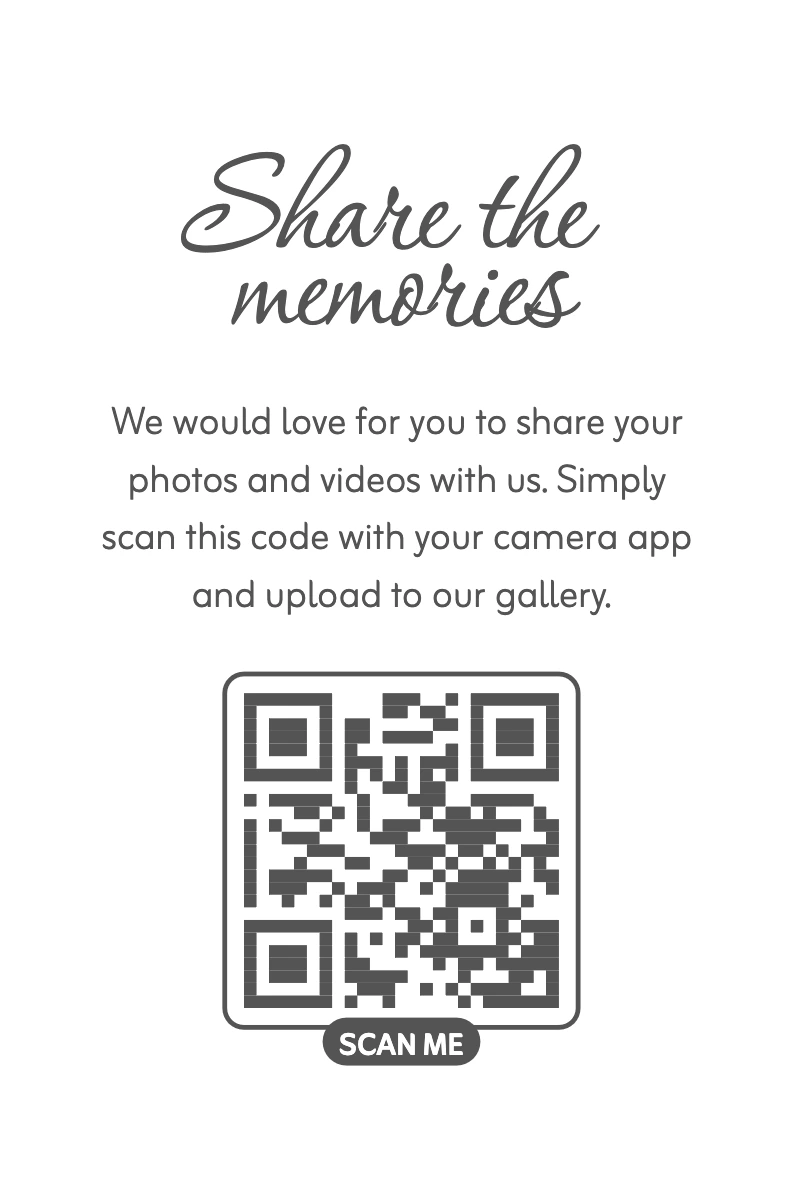
Log in to see even more card designs and variants.
Log in to see even more card designs and variants.
Entertainment for the party
Show guests' photos live on a screen or projector during the party. New photos appear automatically as a slideshow – it creates atmosphere and encourages guests to take even more photos.
Open the link on a computer and connect a screen or projector – that's all.
See how the photo wall works$47 USDper event
One-time payment, no subscription
25GB shared between photos and videos; capacity varies by file size
Secure checkout with Stripe
$70 USDper event
One-time payment, no subscription
Unlimited* uploads, subject to fair use for private events and a small company's Christmas party of up to 100 guests
$9 USD less than upgrading later
*Premium fair use is intended for private events and a small company's Christmas party, with up to 100 guests and an expected allocation of up to 1GB per guest. See our fair use policy.
Recommended on Facebook
Amazing that someone has finally come up with something that doesn't require login or an app! I've been looking for this for half a year, and have tested with Google and Dropbox myself.
Merete
Translated from Danish
Recommended on Facebook
We used Guest.Gallery and can highly recommend it 🫶 Our guests are thrilled with the opportunity to view and share pictures 🥳 and we received a lot of wonderful photos 🫶 And... the customer service is amazing 🙏❤️
Dorthe
Translated from Danish
Recommended on Facebook
We have used Guest.Gallery and it has been really great! Excellent service and easy to use 👌🏻
Louise
Translated from Danish
You create an event and get your own QR code and a unique gallery link. Print the QR code and place it elegantly at the party. Guests scan with their phone and upload photos and videos directly to your event gallery – no app and no login required.
Absolutely nothing. There's no app to install and no account to create. Guests scan the QR code with their phone's camera and can upload. It's designed to work for all ages.
Yes, absolutely. You can download the QR code and use it freely. Many choose to put it on place cards, print an elegant poster, or include it in the invitation. You can set up the gallery well in advance.
Yes. We retain the original uploaded photos and videos for download during your plan period. The gallery may display optimized previews. Download and back up your originals before the archive date for printing, photo books or other keepsakes.
Basic includes gallery access and uploads for up to 3 months after your chosen event date; Premium includes up to 12 months. Uploads can open up to 14 days before the event. Your account shows the exact dates. Download and back up the files you want to keep before the archive date.
Basic and Premium are one-time purchases per event, with no automatic subscription. Check the pricing cards on this page for the current price and currency for your market, and confirm the total at checkout. Basic includes 25GB and up to 3 months; Premium includes up to 12 months and unlimited uploads subject to fair use for private events and a small company's Christmas party: up to 100 guests and an expected allocation of up to 1GB per guest.
Yes. Anyone you give the gallery link to can view the uploaded photos and videos, so share it only with your guests; the host can view everything from their account. Private mode only hides other guests' uploads in the gallery view.
Yes. Buy Basic or Premium in advance and choose your event name and date after purchase. Your plan period is based on that event date, not the payment date: up to 3 months with Basic or up to 12 months with Premium. Uploads can open up to 14 days before the event, and your account shows the exact dates.
In your admin panel you press one button, and all photos and videos are collected in a zip file that you download to your computer. Easy and fast.
Place the QR code visibly on the tables and at the entrance. Ask the toastmaster to mention it. Make guests aware that they can see all the photos in the gallery the next day – this motivates them to upload.
Create your gallery and invite guests to share their photos in one place.
Create your gallery© 2026 Guest.Gallery, All rights reserved