
Basic
$47 USDper event
One-time payment, no subscription
- Uploads
- 25 GB
- Gallery open
- 3 months
25GB shared between photos and videos; capacity varies by file size
Secure checkout with Stripe
Collect photos from your guests or colleagues with a single QR code scan – and watch them appear live on a big screen. No app. No hassle. Just shared memories that make everyone smile.
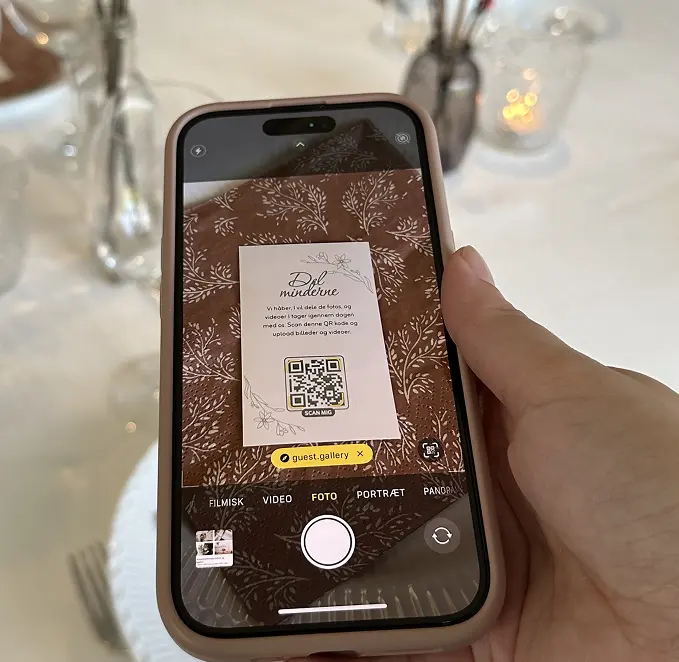
Step 1: Setup
Purchase an event and get your personal QR code and gallery link
Step 2: Share
Print and place your QR code and share the link with your guests
Step 3: Enjoy the photos
Watch your gallery fill up with fantastic photos and videos
When it comes to Christmas parties, you don’t always need loud or extravagant entertainment to make it unforgettable. Some of the best parties are those where guests can join in fun yet relaxed activities that naturally create photo opportunities and memories. We’ve written several posts about different ideas – you can find one here:
Christmas party ideasChoose a plan for your event
Basic includes 25GB of storage. Premium covers private events and a small company's Christmas party under fair use, with up to 100 guests and an expected allocation of up to 1GB per guest. You do not need to contact us first for a qualifying company Christmas party. Contact us in advance for larger events, higher per-guest allocations, public events or other commercial events.
Engage guests with a photo wall
Create a fun centerpiece for the party by showing all photos live on a screen or projector.
Simple and accessible for everyone
Guests can easily participate by scanning a QR code or opening a link – no app downloads or complicated logins required.
Create content for future use
The photos and videos can easily be used for your company’s social media or internal communications. Show off the party atmosphere and engage your employees even more.
Gather all the experiences in one place
You don’t just get one photographer’s view, but a rich mix of perspectives from all your colleagues.
Give your colleagues a fun experience
It’s fun and interactive for your colleagues to take pictures – and they can even compete to take the best ones!
$47 USDper event
One-time payment, no subscription
25GB shared between photos and videos; capacity varies by file size
Secure checkout with Stripe
$70 USDper event
One-time payment, no subscription
Unlimited* uploads, subject to fair use for private events and a small company's Christmas party of up to 100 guests
$9 USD less than upgrading later
*Premium fair use is intended for private events and a small company's Christmas party, with up to 100 guests and an expected allocation of up to 1GB per guest. See our fair use policy.
Place your QR codes around the venue to ensure your guests and colleagues capture and share all the great moments. We’ve made it easy – choose a template and print – no design skills needed!
Choose and print - it's that simple.
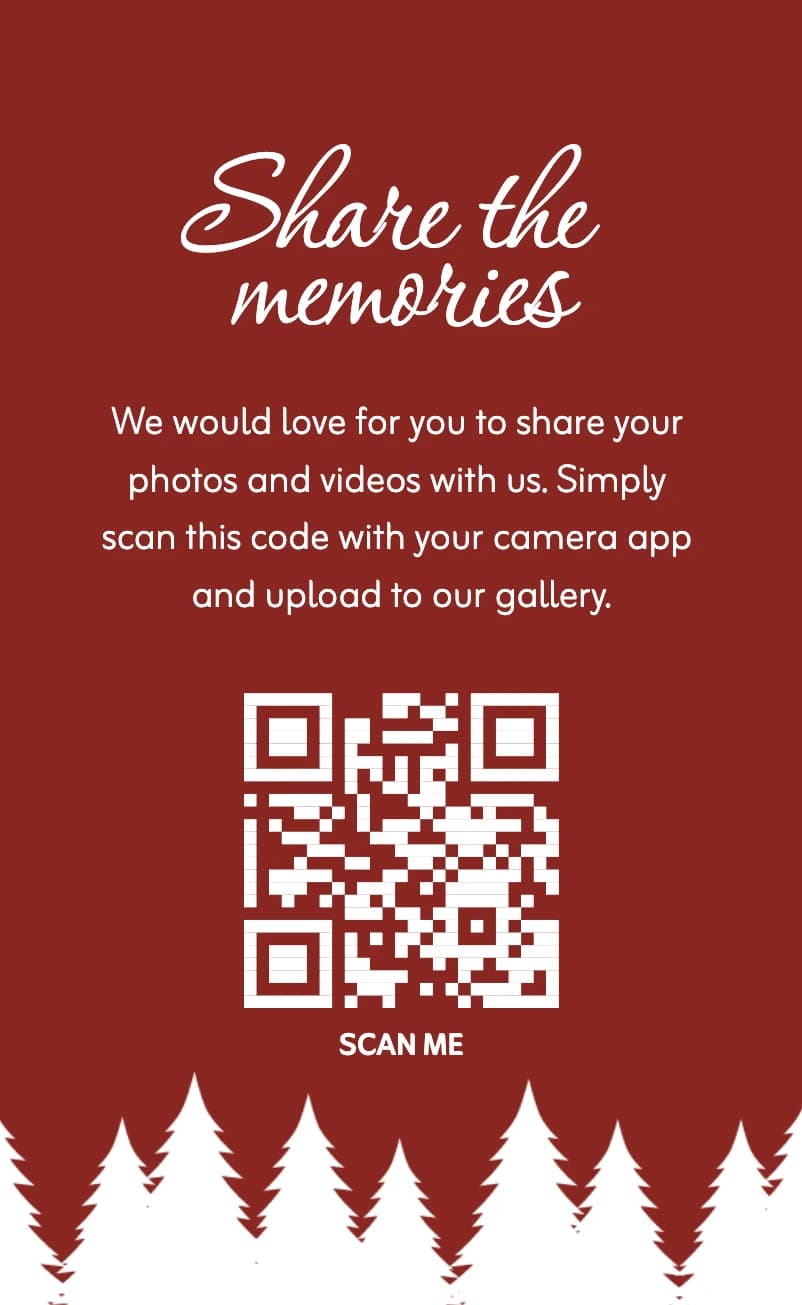
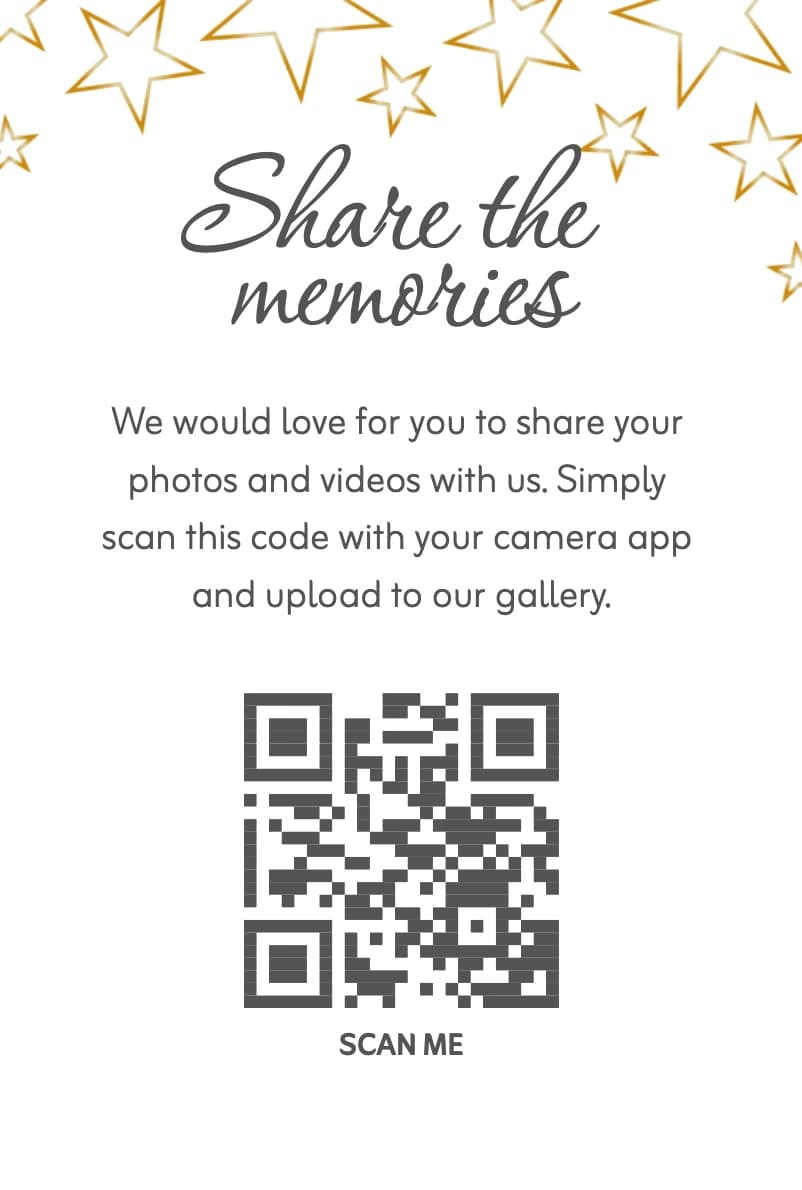
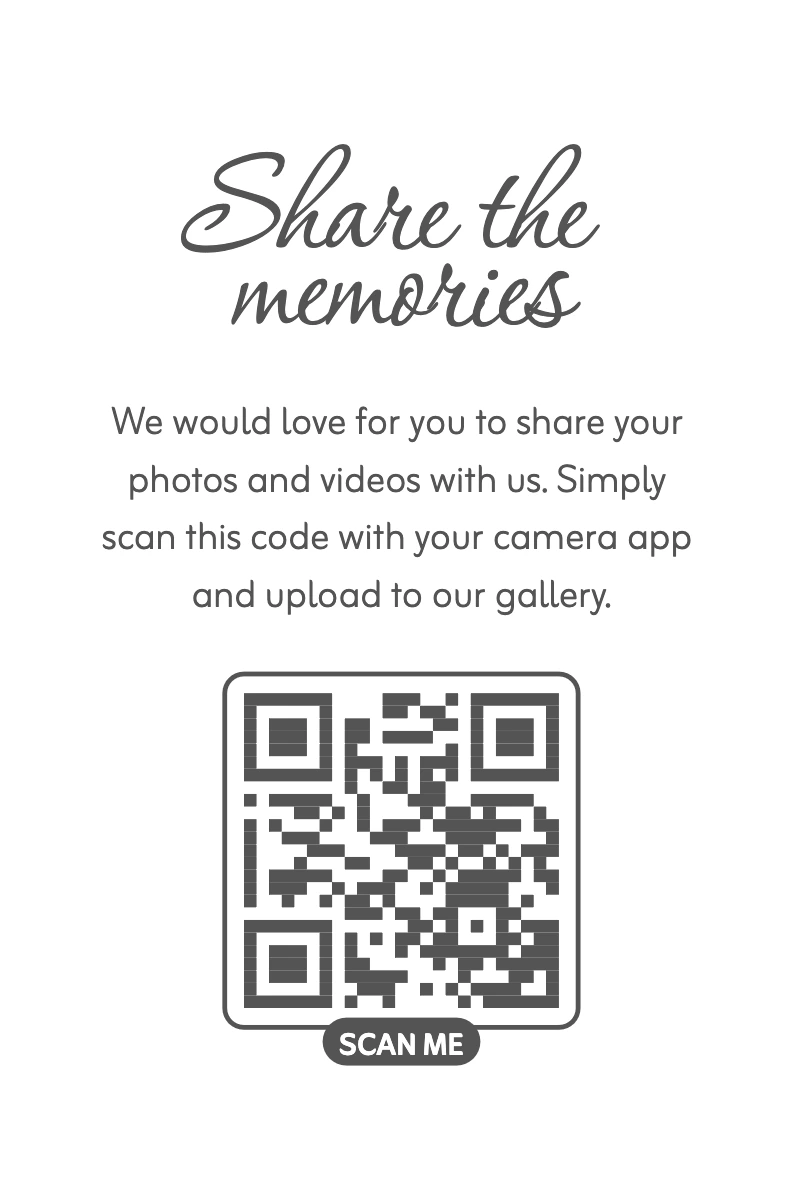
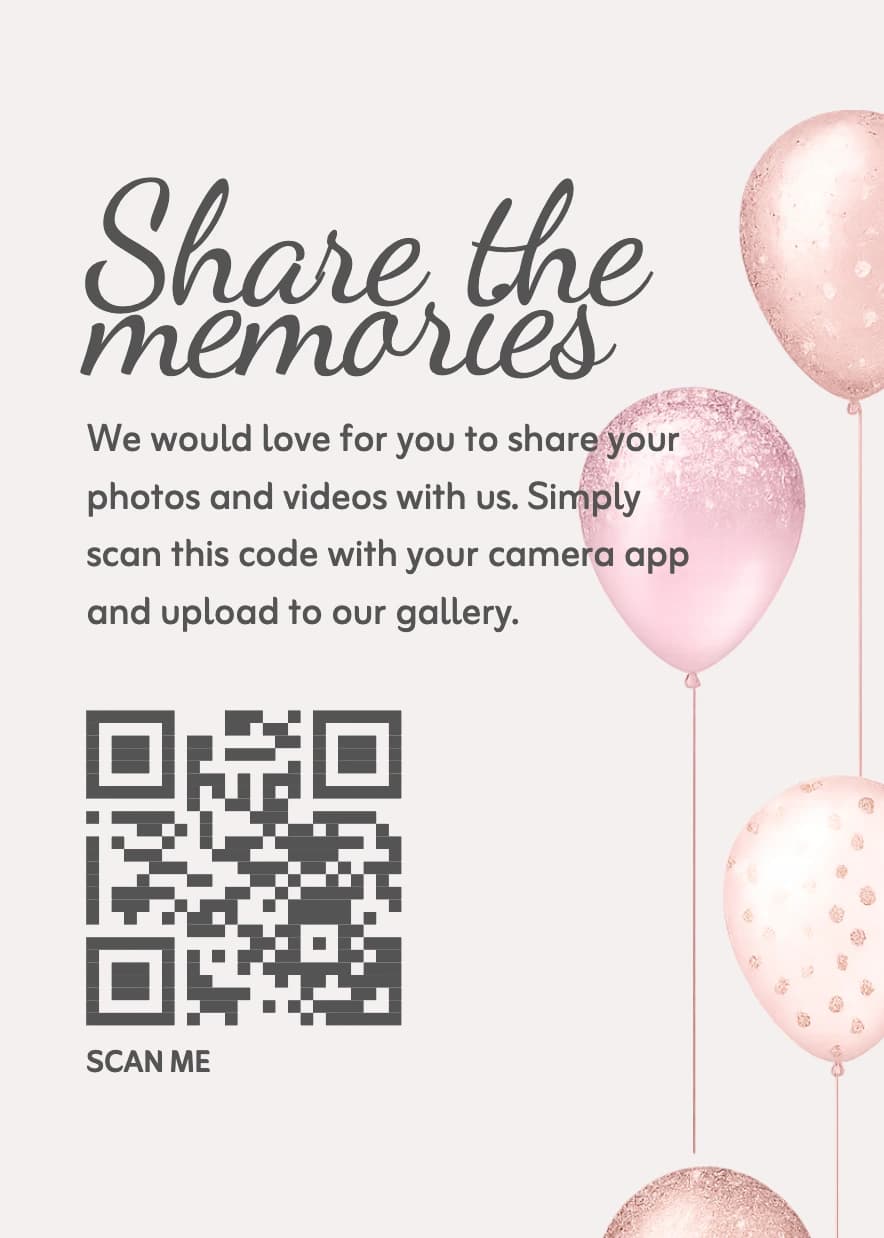
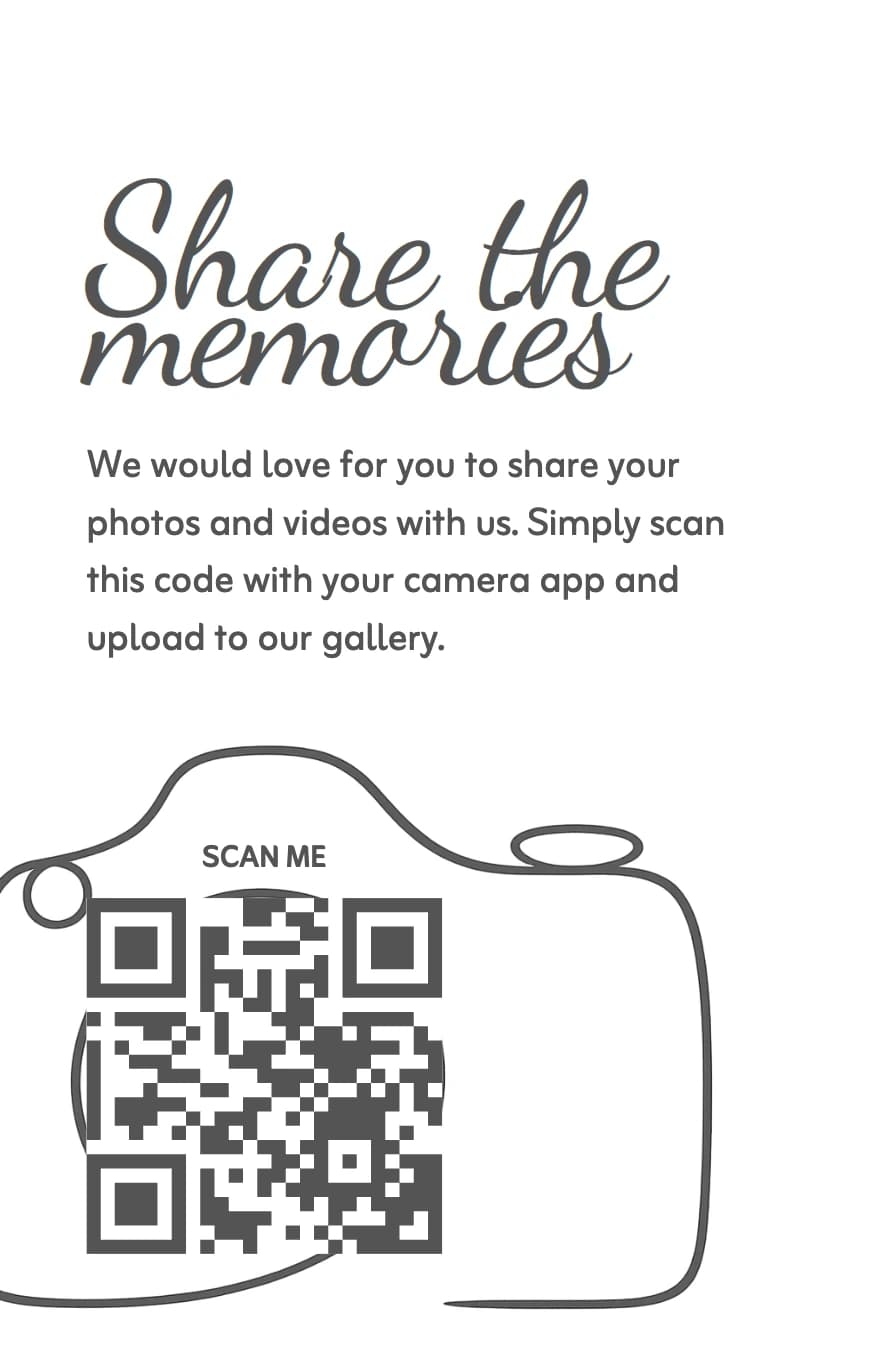
Log in to see even more card designs and variants.
Log in to see even more card designs and variants.
Create an interactive experience at your event by showing a live photo wall on a screen or projector. It automatically updates with new photos. It’s entertaining for your guests and encourages them to take more pictures.
See how the photo wall worksRecommended on Facebook
Amazing that someone has finally come up with something that doesn't require login or an app! I've been looking for this for half a year, and have tested with Google and Dropbox myself.
Merete
Translated from Danish
Recommended on Facebook
We used Guest.Gallery and can highly recommend it 🫶 Our guests are thrilled with the opportunity to view and share pictures 🥳 and we received a lot of wonderful photos 🫶 And... the customer service is amazing 🙏❤️
Dorthe
Translated from Danish
Recommended on Facebook
We have used Guest.Gallery and it has been really great! Excellent service and easy to use 👌🏻
Louise
Translated from Danish
Basic includes 25GB of storage and gallery access for up to 3 months after your chosen event date. Premium includes up to 12 months, with unlimited uploads subject to fair use for private events and a small company's Christmas party: up to 100 guests and an expected allocation of up to 1GB per guest. Uploads can open up to 14 days before the event. Check your account for the exact dates, and download and back up your files before the archive date. See our terms for post-archive processing and deletion.
As the host, you can view all uploaded photos and videos. Anyone with the gallery link can view the uploaded media, so share the link and QR code only with your guests. Private gallery mode only hides other guests' uploads in the gallery view; the photo wall still shows every photo.
We will create a QR code for you. You also have the option to choose from a few different designs and colors to suit your needs.
In your admin panel, you'll find a button that downloads all photos and videos and saves them to your computer.
Basic includes 25GB shared between photos and videos. The number of files depends on their size and how much space your videos use. Premium offers unlimited uploads subject to fair use for private events and a small company's Christmas party: up to 100 guests and an expected allocation of up to 1GB per guest.
Basic includes 25GB shared between photos and videos. Video capacity depends on file size, resolution and duration, so there is no fixed video count. Premium offers unlimited uploads subject to our fair-use expectations for private events and a small company's Christmas party of up to 100 guests.
Yes. Buy your plan in advance, then choose your event name and date after purchase. The plan period is based on your chosen event date, not the payment date. Basic includes up to 3 months and Premium up to 12 months; your account shows the exact dates.
Your guests upload their photos and videos to a unique URL that you share with them. They do not need to install any app or log in, making it easier for guests to participate and upload their photos and videos.
Your plan period is based on the event date you choose after purchase, not the payment date: up to 3 months for Basic or 12 months for Premium. Uploads can open up to 14 days before the event. Your account shows the exact upload and archive dates.
We are a couple who were getting married on June 15, 2024. We felt that none of the existing solutions suited what we wanted to offer our guests. It is important to us that guests have it as easy as possible because it makes them more likely to share their photos with us as hosts. And it is the memories of the day that we need to hold on to for the rest of our lives. :)
Your guests will not share photos unless you tell them it is an option. Print QR codes to the walls or tables. Refer to them. Make the guests aware that they can see all the photos in the morning. Have the toastmaster refer to the QR codes.
© 2026 Guest.Gallery, All rights reserved